|
|
Article ID: 724
Last updated: 01 Jun, 2026
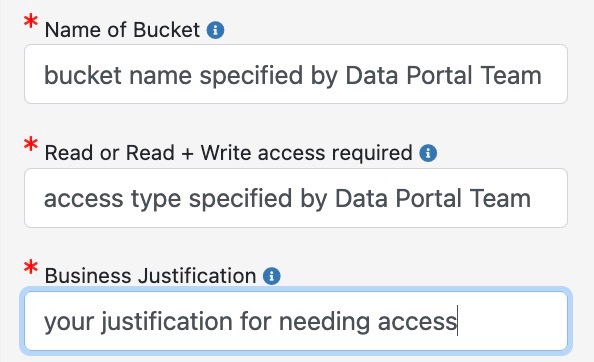
The Data Portal’s new Object Store, based on S3 (Amazon Simple Store Service), is used to store Data Portal dataset files. As a dataset owner, you may need to access and maintain your dataset files directly on the Object Store within the NAS enclave. In that case, you need to submit a NAMS request to access your dataset bucket. First, contact the Data Portal team at dataportal@nas.nasa.gov. They will provide the name of the bucket for the dataset you want to access and the type of access to request (“Read” vs. “Read+Write”). Next, make a NAMS request for the Object Store bucket access:
Once you submit the NAMS request, your sponsor (manager) will approve it. The Data Portal Approver will then approve and a ticket will automatically be created. The Data Portal Team will create S3 credentials for you and send them to you with instructions. After you access your dataset bucket, you can continue your work as normal.
This article was:
|